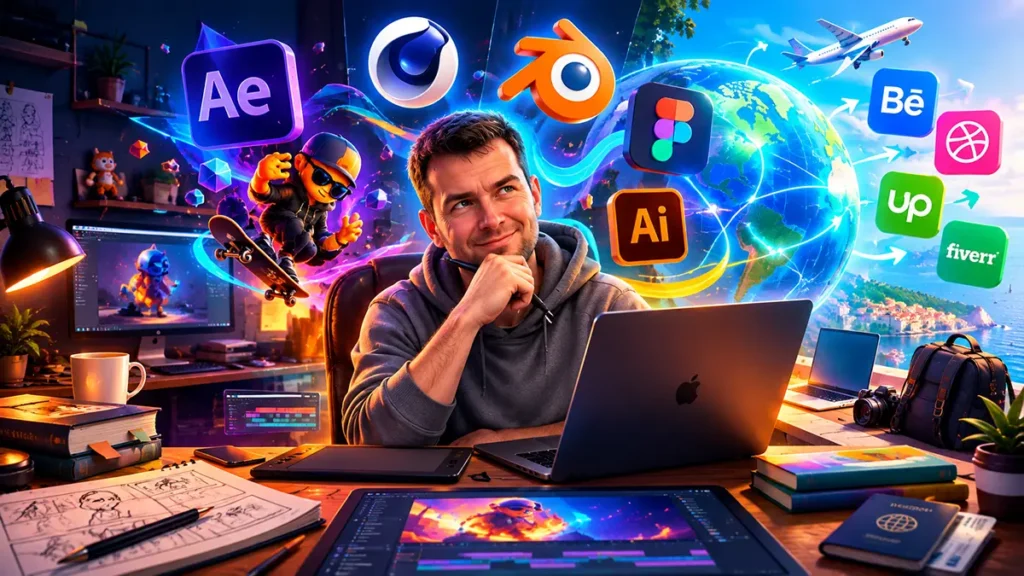
Motion design is an intense mix of fine art, directing, physics of motion, and modern software. It is a field where your ideas literally come to life, and businesses are willing to pay serious money for every frame that captures the viewer’s attention.
If you look at complex 3D animations or stylish 2D videos and think:
This is cool, but where do I even start?
Then you’ve come to the right place. As someone who has walked this path from the very first keyframe to complex commercial projects, I’ve broken it all down step by step.
1. Fundamentals
The biggest mistake beginners make is diving straight into complex tutorials like “How to make a space explosion in 10 minutes.” You will repeat the button clicks, but you won’t understand the underlying principle.
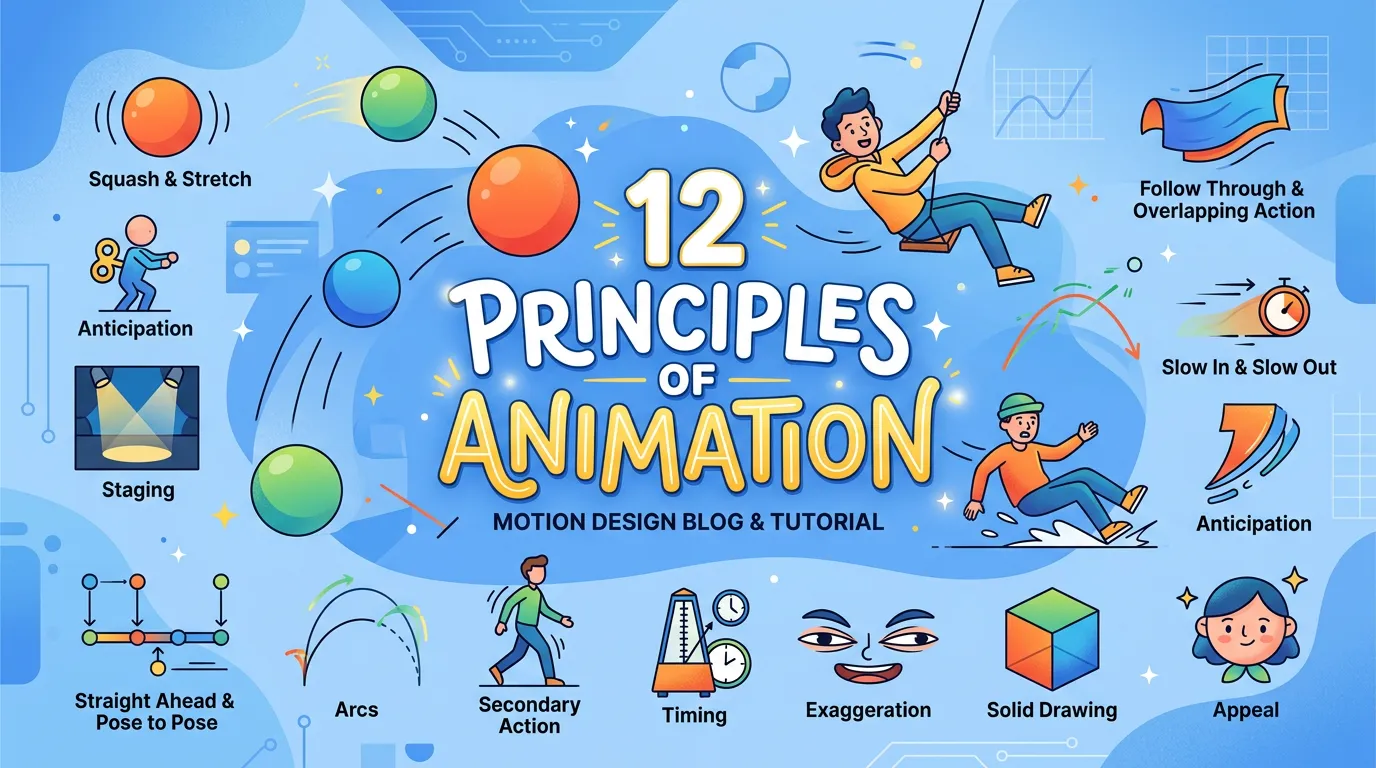
Before opening any software, master the 12 principles of animation developed back in the day by Disney animators:
- Squash and Stretch: Gives an object weight and elasticity.

- Anticipation: A wind-up before a jump or a throw.

- Slow In and Slow Out: Smooth acceleration and deceleration. Forget about linear animation — nothing in the real world moves at a constant speed.

Pro tip:
First, learn to animate a simple bouncing ball so that the viewer can feel its weight (is it a rubber ball, a tennis ball, or a heavy cannonball?). If you master this, you master the core foundation of motion design.
2. Software: What Tools to Choose at the Start?
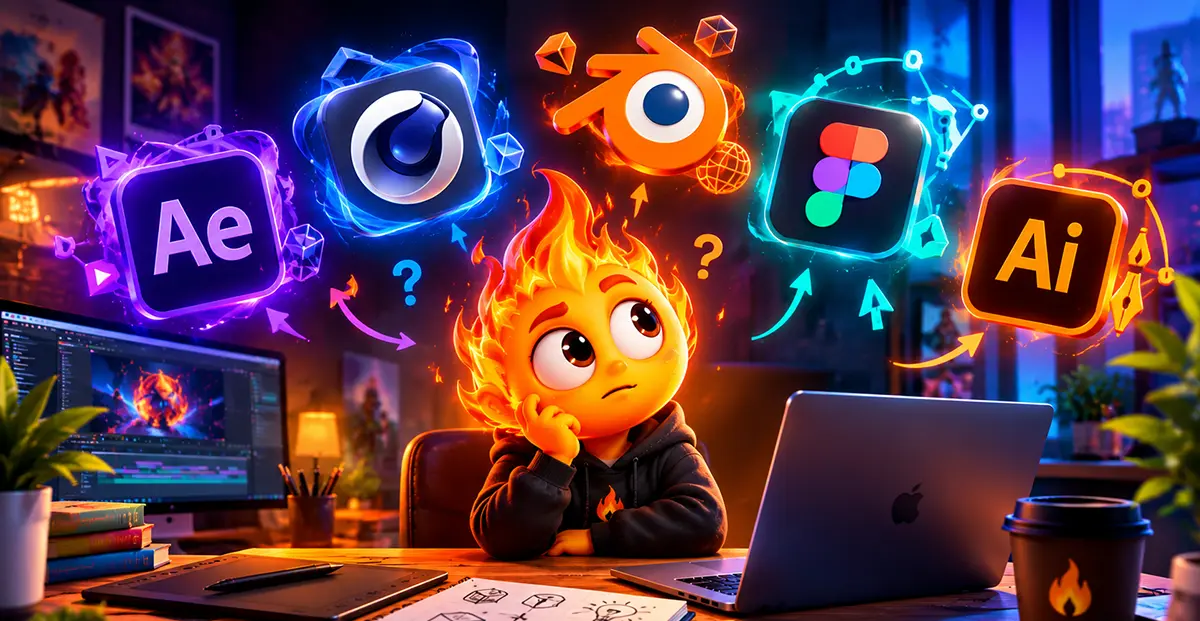
Do not try to learn everything at once. There is a clear gold standard in the industry:
- Adobe After Effects (AE): The heart of 2D motion, compositing, shape animation, and working with graphics, typography, and Lottie animations for websites.
- Cinema 4D (C4D) / Blender: Blender is the best and most accessible entry point into 3D motion, but Cinema 4D—especially paired with the Redshift render engine—remains the industry standard for advanced workflows. It also offers seamless integration with Adobe After Effects.
- Figma / Illustrator / Photoshop: Essential tools for preparing vector assets, shapes, and styleframes before starting the animation process.
3. Portfolio
I have no clients because I have no portfolio. I have no portfolio because I have no clients.
This is a classic catch-22 that you have to break yourself!
- Create a spec brief: Make a 5-second animation of any product or logo.
- Quality over quantity: 3 exceptionally polished, pixel-perfect 5-second animations in a showreel work far better than 10 minutes of boring or unrefined footage.
- Publish your work: Upload your work to Behance, Dribbble, or social media platforms to showcase your portfolio to potential clients. Alternatively, build a simple portfolio website (today, this can easily be done using AI tools like Claude).
4. Freelance Platforms: Upwork & Fiverr

Коли ви опанували базовий софт і зібрали перший шоуріл — час виходити на ринок. Закордонні біржі фрілансу пропонують величезний потік замовлень та валютний дохід.
Upwork
This is a platform for direct sales and long-term contracts.
- Strategy: Create an account and fill out every section so it looks complete and polished. When submitting a proposal (Cover Letter), focus less on talking about your talent and more on showing how you will solve the client’s problem.
- First jobs: Take on smaller tasks (logo animation, simple banners) to secure your first positive reviews and build up your rating.
Fiverr
Here, clients come directly to you through your service packages (Gigs).
- Strategy: Create a high-quality video preview for each Gig. A motion designer without a striking video on their cover creates doubt.
- Packaging: Clearly outline your packages (Basic, Standard, Premium) specifying video duration and the number of revisions included.
5. Core Rules for Maintaining Motivation
- Don’t compare your day 1 to the 10th year of experience of top studios. Progress at your own pace.
- Analyze and learn: Find a work on Behance or Dribbble that inspires you, and try to recreate it frame by frame to understand the technique behind it.
- Develop your visual library (visual taste): Watch works by top creators every day, study cinema, lighting setup, and composition.
Motion design is the freedom to create your own worlds and turn chaotic ideas into dynamic graphics. Take the first step today: install the software, set your very first keyframe, and never stop!