
An explainer video is a short one- or two-minute video that explains what a product does and why it’s useful. It goes on the homepage, in investor decks, in ads and onboarding.
But «explainer» isn’t one format, it’s a whole family. The format decides how well the video hooks your audience, how much it costs and how fast it’s ready.
1. 2D character animation
The most popular format. The viewer sees a hero like themselves, with their problem, and how the product solves it. Emotion plus clarity is why these videos convert well. You can see examples in my portfolio.
The character can resemble your typical customer: age, profession, situation. Then the viewer thinks «this is about me», and the message lands more precisely. The hero also moves easily into ads, social media and onboarding, becoming a face of the brand.
2. 2D motion graphics
No characters: icons, text, interfaces, diagrams. Suits tech products, fintech and corporate services, where showing logic matters more than emotion.
This format is usually faster and more affordable than character animation and looks very modern. It’s easy to update: if the interface or price changes, we change a few scenes, not the whole video.
3. Animated screencast
A recording of the real interface, brought to life with animated callouts, zooms and transitions. Ideal for SaaS and apps: users see the real product, not a drawing.
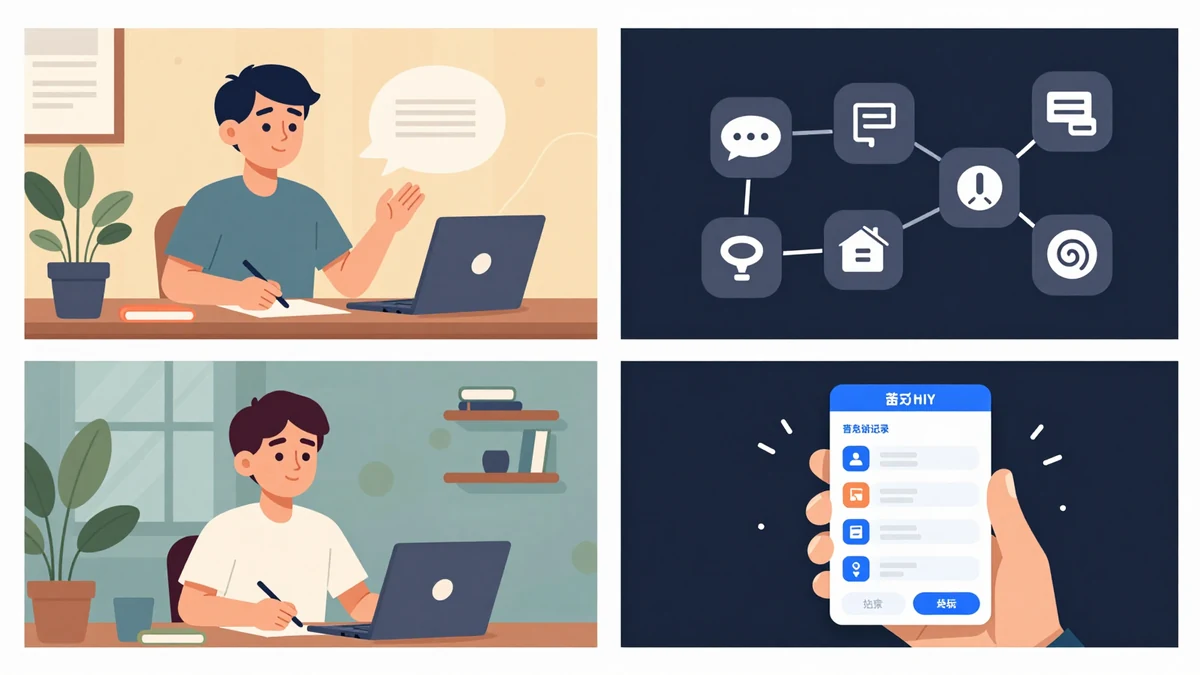
It’s important not just to record the screen but to direct it: remove extra clicks, zoom into key areas, add short captions. Then even a complex service becomes clear in a minute, and users know where to click after signing up. I make these as part of my UI/UX animation work.
4. Isometric and 2.5D
When you need to show a whole system: how data moves through a service, how a warehouse or city infrastructure works. Isometric animation adds depth without the cost of full 3D.
5. 3D video
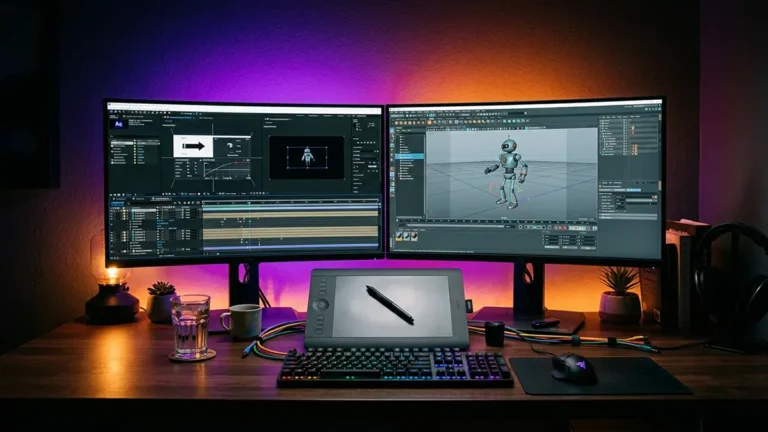
For physical products: gadgets, equipment, medical devices. Shows the product from any angle and even from the inside. Costlier and longer, so it’s chosen when the product itself is the hero.
3D is often combined with 2D: the product itself in 3D, while interfaces, text and diagrams stay flat. That way the video looks premium while the budget stays reasonable.
6. Kinetic typography and video with graphics
- Kinetic typography: text in motion, works in videos under 30 seconds.
- Live action + graphics: real people and product boosted with animated titles. Needs a shoot, so it costs more.
What about whiteboard animation?
Whiteboard animation, with a hand drawing on white, looks dated in 2026 and costs almost as much as modern 2D. If the budget allows, choose 2D.
How to choose a format
Length: how many seconds you need
- 30 seconds: ads and social media, one idea.
- 60–90 seconds: homepage, product explanation.
- 2–3 minutes: onboarding and tutorials, where the viewer is already interested.
The rule is simple: the colder the audience, the shorter the video.
More on how I make explainer videos on the service page. And if you’d like to discuss your product, get in touch.
Ready to bring your idea to life?
Tell me a bit about your task — I’ll come back with a format, rough timeline and a quote within one business day.
Get a quote