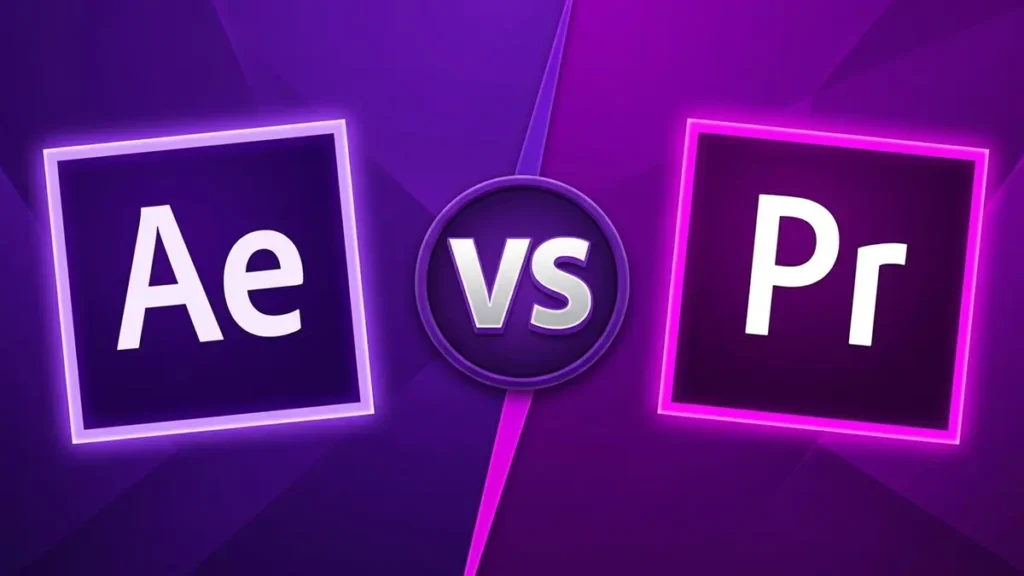
Premiere Pro or After Effects? A question everyone starting with video faces. Both are Adobe apps, both have a timeline, and both can make titles. But they’re built for different tasks.
Premiere tells a story from clips. After Effects brings a frame to life.
1. Premiere Pro: editing and final assembly
Premiere is built for working with lots of footage: cutting, joining, building rhythm and working with sound. It easily handles hour-long projects and plays them in real time, without long previews.
- Sound: mixing, noise reduction, real-time sync.
- Color: the Lumetri panel for correction and grading.
- Fast edits: changing scene order or length takes seconds.
- AI tools: smart object masks, clip extension, automatic captions.
2. After Effects: animation and visual effects
After Effects works with layers and keyframes rather than clips. It’s where motion graphics, logo animation, infographics, compositing and effects are made. It’s perfect for short complex pieces but awkward for editing long videos.
The rule is simple: if every frame and movement in a scene matters, it’s After Effects. If the sequence of scenes, rhythm and sound matter, it’s Premiere. Most commercial videos pass through both.
3. How to combine both
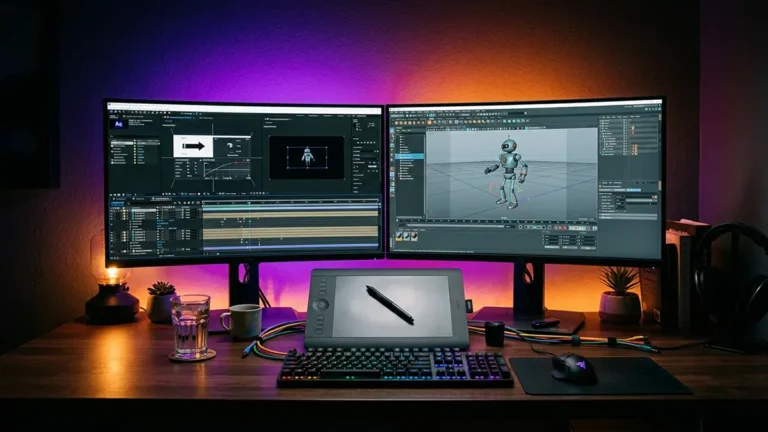
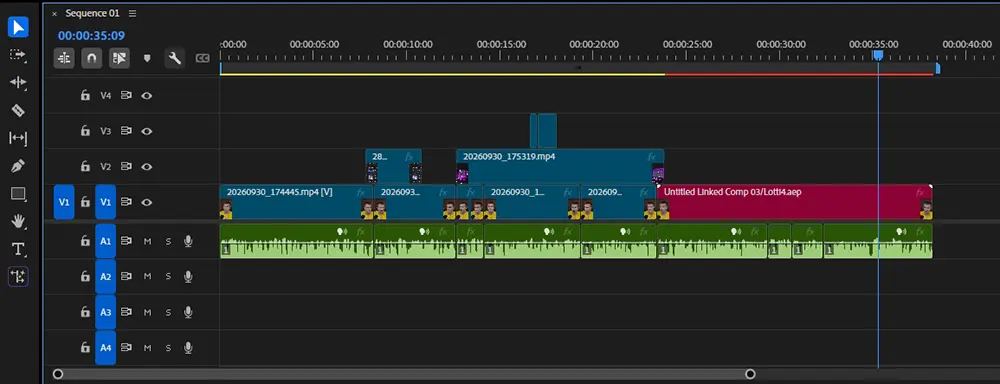
The most efficient approach is to use each for its job. Editing, sound and color in Premiere, complex graphic inserts in After Effects. With Dynamic Link an After Effects comp goes straight into the Premiere timeline without an intermediate render: change the animation and it updates in the edit.
- Essential Graphics templates (MOGRT): After Effects titles editable in Premiere without opening AE.
- Client edits: easier to apply in the Premiere edit than re-rendering the whole video from After Effects.
- Final export: from Premiere or Media Encoder into any format.
4. What to learn first
What about alternatives
DaVinci Resolve is a strong free alternative to Premiere with powerful color correction and built-in Fusion compositing. For motion design After Effects is still the industry standard, though the free Cavalry is gradually taking its niche in procedural animation.
Basic editing skills help even a pure animator: building a reel, adding sound, making social versions. More about the software stack in the guide on how to become a motion designer from scratch.
Ready to bring your idea to life?
Tell me a bit about your task — I’ll come back with a format, rough timeline and a quote within one business day.
Get a quote