MultiRender
AE Scripts
About this script
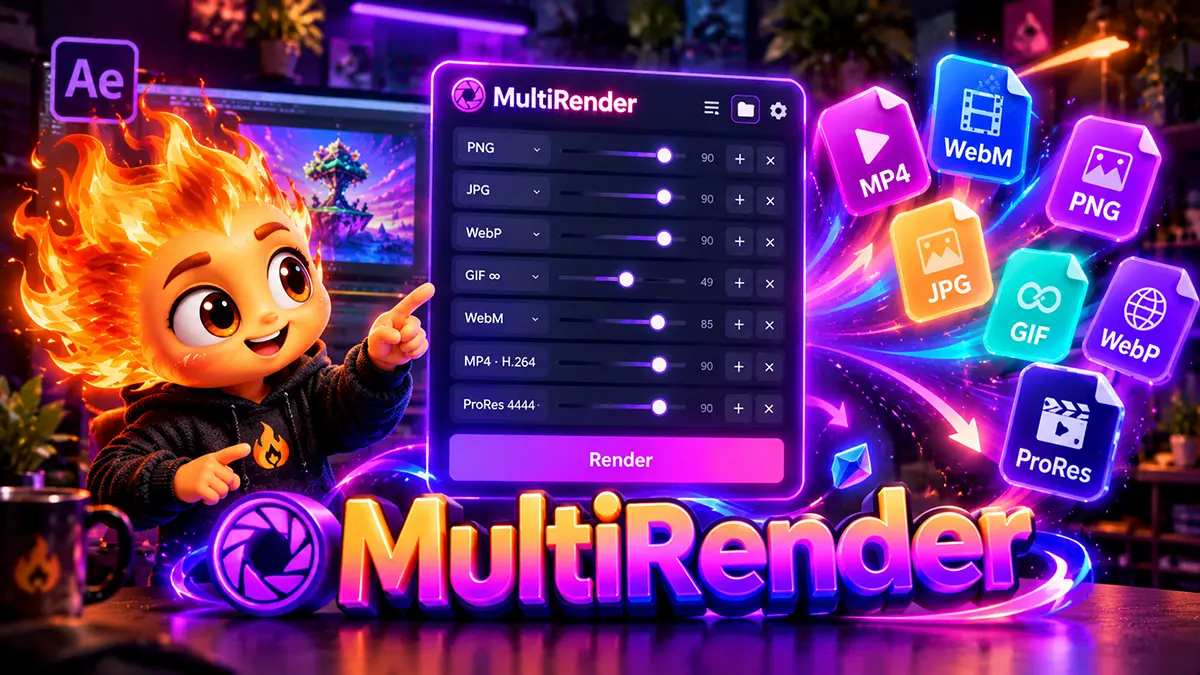

MultiRender replaces the endless “render, convert, repeat” cycle with a single panel right inside After Effects. Choose the formats you need, press Render, and every file appears next to your project.
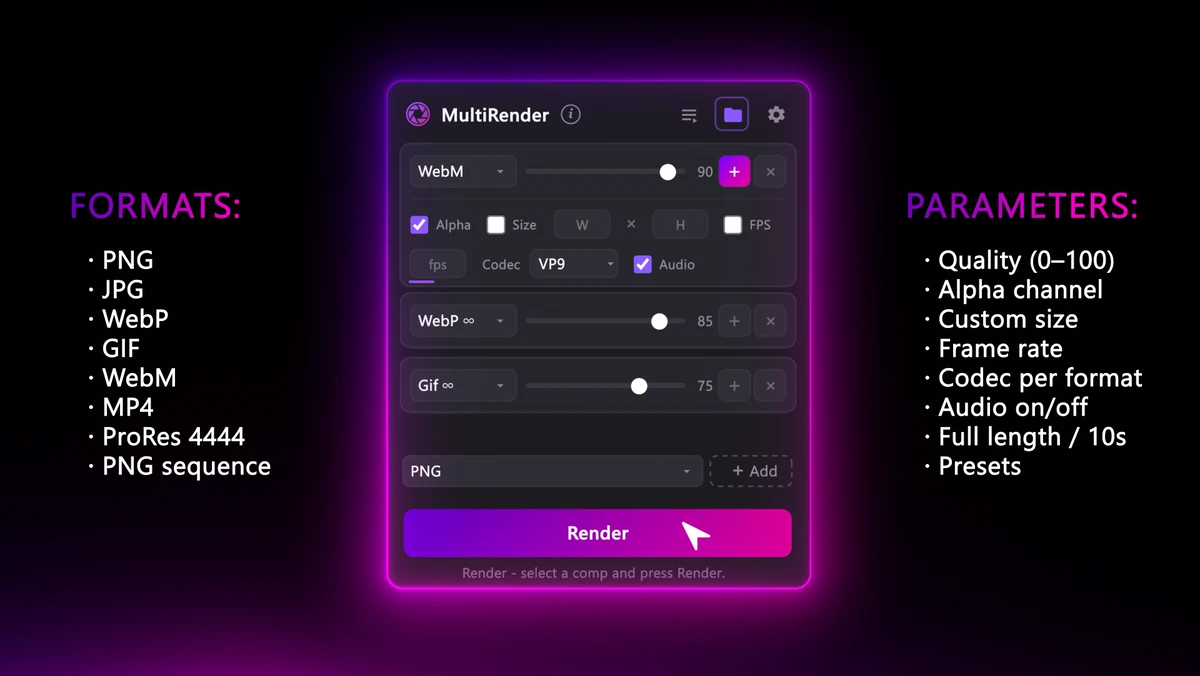
Each format has its own settings: quality, transparency, size, frame rate, codec and audio. The panel only shows the ones that actually make sense for that format.
Features:
9 most popular formats: PNG, JPG, WebP, GIF, WebM, MP4, ProRes, PNG seq.Extra settings: transparency, audio, size, fps and codec choice for each formatSave your own presetsWindows and macOSUkrainian and English languages
One render, every format
After Effects can’t export WebM, animated WebP or GIF. So every extra format usually means another render, a trip through Media Encoder or an online converter. When the client asks for a revision, you have to go through the whole process again. And somewhere along the way, transparency gets lost or the file size grows.
Less routine, more animation. Set up your format list once, and next time the whole package for your client will be ready in a single click.
You May Also Like

Carousel Pro
Carousel Pro is a powerful premium toolbar (script) for Adobe After Effects that automates the complex process of creating 3D carousels in just two clicks. Designed for motion designers, video editors, and UI/UX specialists, it completely eliminates the need for manual calculations, spatial alignment, and complex camera setups.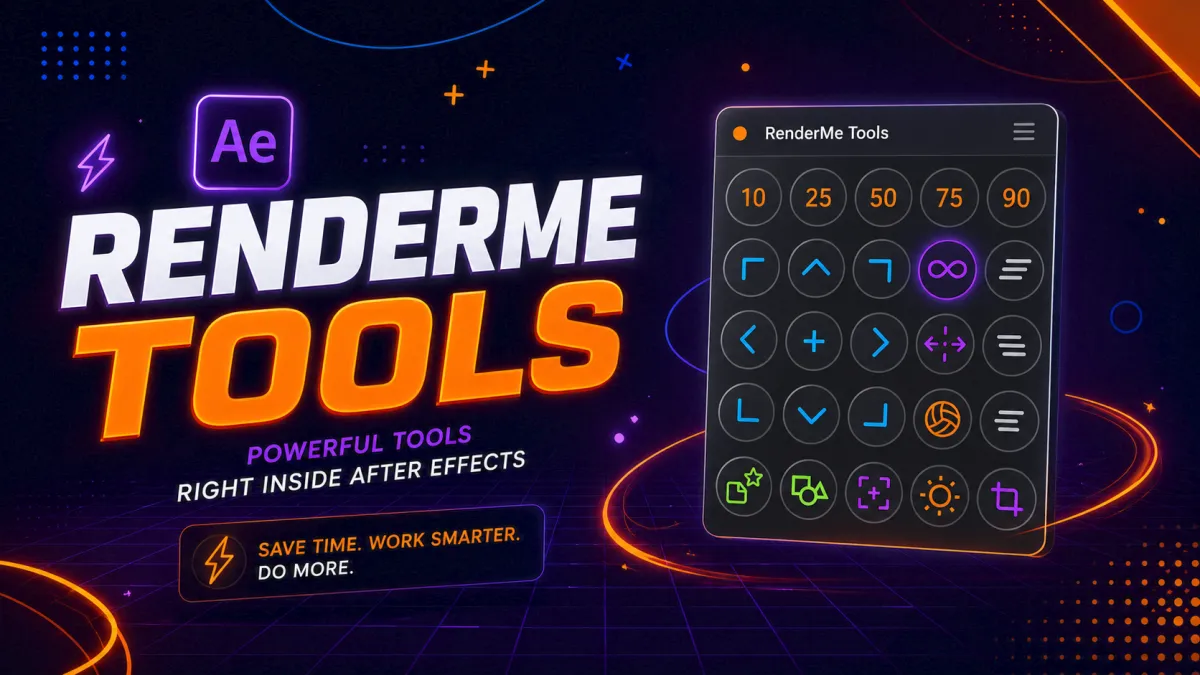
RenderMe Tools
RenderMe Tools is a compact, lightning-fast ScriptUI panel for Adobe After Effects that strips the routine out of everyday motion design. Built for motion designers, MoGraph artists, animators, and studios working at scale, it brings the 25 most-used operations — easing, looping, staggering, anchor positioning, vector conversion, bounce, wiggle, and smart precomposing — into a single dockable panel that’s always at your fingertips.